Intermediate
In this guide you will review usage metrics at the operator level by deploying a load generator to populate usage metrics within your existing Token Factory deployment.
Assumptions
This exercise assumes you have completed the Token Factory Basics Get Started Guide
1. Create Load Generator
In this section, you will create a load generator on your existing Kubernetes cluster node.
- SSH into the Kubernetes Cluster node
- Confirm
curlis available (it is preinstalled on virtually all Linux distributions, so no separate tool installation is required):
curl --version
- Create the load test script by running the following command
vi run_load_test.sh
- Add the following content to the script and save it. Be sure to update the API Key and the Endpoint URL. These values can be found within the model used in the previous Basics Get Started guide.
#!/bin/bash
PATH=/usr/bin

API_KEY="<YOUR_API_KEY>"
ENDPOINT_URL="<YOUR_ENDPOINT_URL>"
MODEL_NAME="gs-deployment"
PROMPT="What is the best opensource inference library in general?"
REQUEST_COUNT=300

for i in $(seq 1 "$REQUEST_COUNT"); do
  curl -s -o /dev/null -w "%{http_code}\n" -m 90 -X POST \
    -H "Content-Type: application/json" \
    -H "Authorization: Bearer $API_KEY" \
    -d "{\"model\": \"$MODEL_NAME\", \"temperature\": 0.1, \"max_tokens\": 128, \"messages\": [{\"role\": \"user\", \"content\": \"$PROMPT\"}]}" \
    "$ENDPOINT_URL"
done
- Run the following command to make the file executable
chmod +x run_load_test.sh
- Run the following command to setup a cronJob to run the script
crontab -e
- Add the following line to the crontab to run the script every 2 minutes. Be sure to update the Script Path in the command
*/2 * * * * /<SCRIPT_PATH>/run_load_test.sh >> /var/log/loadtest.log 2>&1
- After 2 minutes, run the following command to verify the script is working
tail -f /var/log/loadtest.log
You will see a 200 printed for each successful request, one per line:
200
200
200
200
200
...
If you see anything other than 200 repeated across most lines, check the value of MODEL_NAME and ENDPOINT_URL in the script, and confirm the API key is still valid.
2. View Metrics
Next, you will use the Ops console to view the Token Factory usage metrics across models and tenants.
- In the Ops console, navigate to Token Factory -> Token Usage
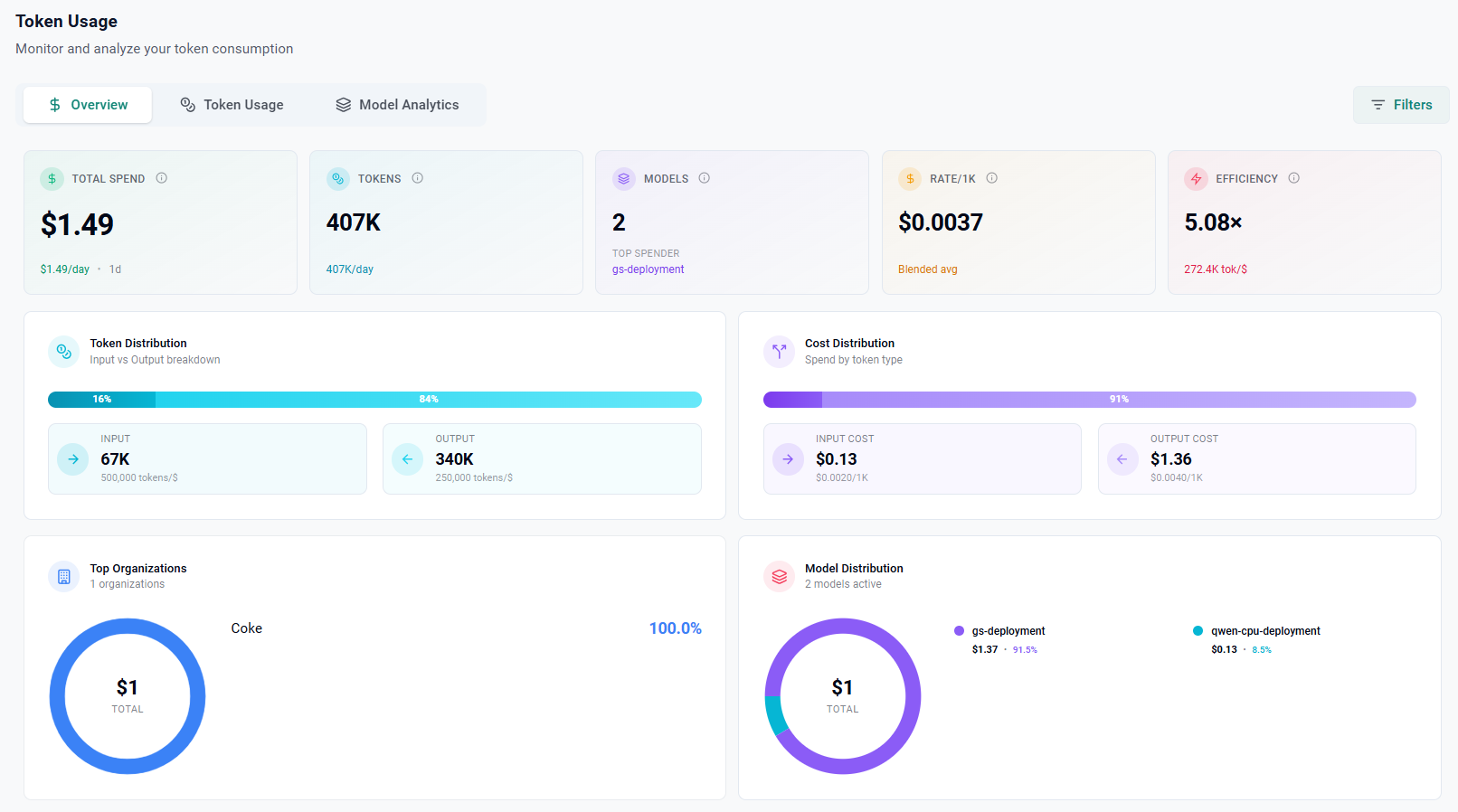
You will see the Overview Dashboard
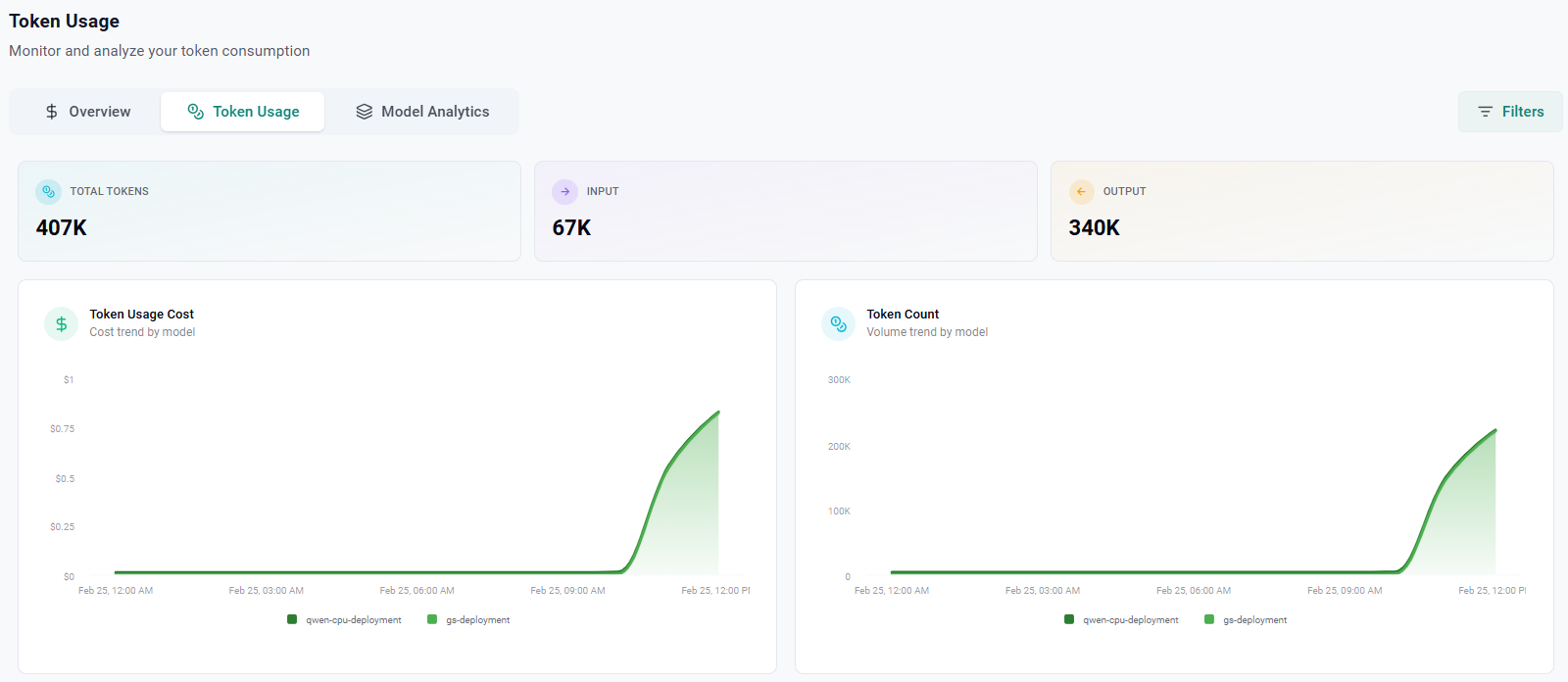
- Click on the Token Usage tab to see the token usage metrics
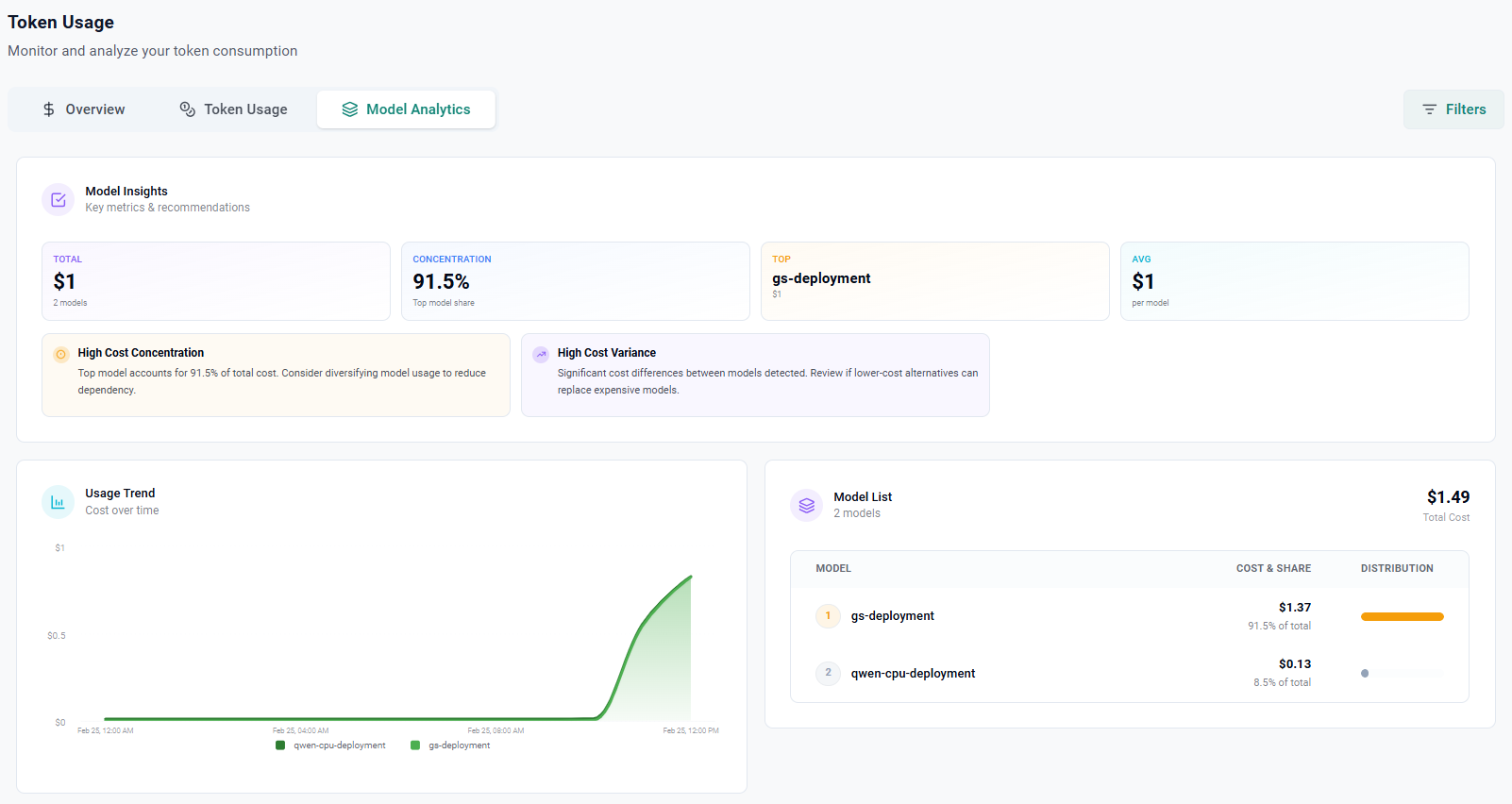
- Click on the Model Analytics tab to see the model analytics